Scrap.io vs. Outscraper (2026): Which Google Maps Scraper is Better?
Two popular tools for pulling business data from Google Maps, but with very different approaches. We'll compare both honestly—and show you a third option that goes beyond raw data.
The Bottom Line
A quick summary before we dive deep.
Cloud-based Google Maps scraper
A user-friendly Google Maps scraping tool with 200M+ listings across 195 countries. Point-and-click interface with CSV/Excel exports. Plans from $49–$499/mo based on export volume. Great for non-technical users who want clean spreadsheets fast.
Google Maps data extraction API
A developer-focused data extraction platform with API access and pay-per-result pricing. Free tier with 500 records/month, then ~$0.002–$0.005 per record. Built for developers and teams who need programmatic access to Google Maps data at scale.


Scrap.io vs. Outscraper: Feature Breakdown
Same data source, different approaches. Here's how they compare feature by feature.
Scrap.io is built for non-technical users. Outscraper's UI works but is clearly designed around the API.
Outscraper's API is its primary product. Scrap.io has an API too, but the platform is built around manual exports.
Both pull from Google Maps. Outscraper also scrapes Google Search results, reviews, and other Google services.
Outscraper supports more formats, including developer-friendly JSON and Parquet for data pipelines.
Scrap.io scrapes emails and social links from business websites. Outscraper has email enrichment but charges extra per record.
Both offer worldwide coverage. Scrap.io highlights 195 countries explicitly; Outscraper covers any Google Maps region.
Outscraper's free tier is genuinely useful for small projects. Scrap.io only offers a time-limited trial.
Neither tool researches or qualifies leads. Both give you raw data—what you do with it is up to you.
Pricing Comparison
Scrap.io charges flat monthly fees by tier. Outscraper uses pay-per-result pricing with optional subscriptions.
Export by city
Export by county/region
Export by state/division
Export by entire country
Flat monthly pricing. Plans differ by geographic export scope. Higher tiers let you export larger regions at once. Annual discounts available.
500 records/mo
1,000 credits/mo
5,000 credits/mo
No monthly commitment
Pay-per-result pricing. Free tier is generous for testing. Enrichment add-ons (emails, reviews) cost extra per record. Credits never expire.
The Problem with Both
Scrap.io and Outscraper are solid Google Maps scrapers. But if you're trying to actually sell to local businesses, scraping is just step one.
Scrap.io's Gap
Scrap.io is great at what it does: pull Google Maps data into spreadsheets. But that's where it stops. You get a CSV with names, addresses, and phone numbers. No research, no qualification, no enrichment beyond what's on the business website.
- ✕No AI research to qualify leads before outreach.
- ✕No decision-maker contacts (owner names, direct emails).
- ✕Export limits tied to geographic scope, not record count.
Outscraper's Gap
Outscraper is powerful for developers, but it's essentially a data pipe. You get raw records and have to build everything else yourself—enrichment, qualification, list management, and outreach.
- ✕Technical setup required—not built for sales teams.
- ✕Email enrichment costs extra and adds up fast.
- ✕No built-in way to research or score leads.

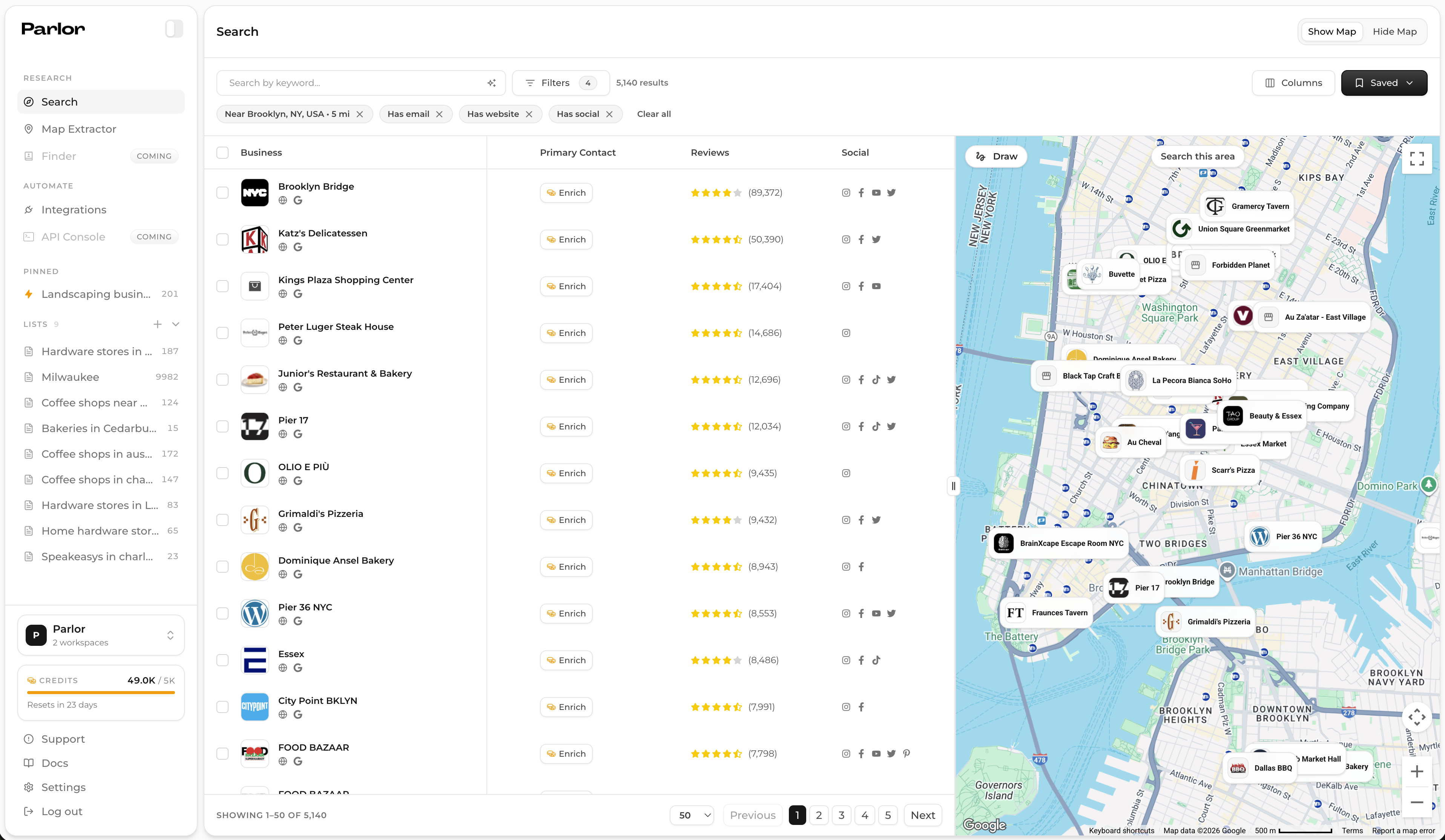
What if your scraper also did the research?
Scrap.io and Outscraper give you a CSV. LocalStitch gives you qualified, enriched leads with AI research—ready for outreach, not just data entry.
- Pull leads directly from Google Maps—same data, better workflow
- AI agents research each business automatically
- Waterfall enrichment finds verified owner contacts
- Starting at $49/mo—no per-record fees or credit limits
Pick the Right Tool
Each tool serves a different use case. Here's a quick guide to help you decide.
Choose Scrap.io if you...
- Want a simple, no-code Google Maps scraper
- Need clean CSV exports for spreadsheet workflows
- Prefer flat monthly pricing over pay-per-record
- Just need raw business data, not enrichment
Choose Outscraper if you...
- Have developers who can build on an API
- Need programmatic access to Google Maps data
- Want to pay only for what you use
- Need review scraping and other Google data
Choose LocalStitch if you...
- Sell to local businesses and need actionable leads
- Want AI to research and qualify each business
- Need verified owner contacts, not just phone numbers
- Prefer one platform over stitching together tools
The Bottom Line
Both Scrap.io and Outscraper are solid tools for what they do. Scrap.io is the better choice if you want a clean, simple way to pull Google Maps data into spreadsheets without touching code. Outscraper wins if you're a developer who needs an API and wants granular pay-per-record pricing.
But if you're using that data to sell to local businesses, both tools leave you halfway there. You get a spreadsheet of names and phone numbers, then have to manually research each one, find the right contact, and figure out if they're even a good fit.
LocalStitch starts with the same Google Maps data but does everything else automatically—AI research, contact enrichment, lead qualification. Instead of a CSV you have to clean up, you get a list of verified leads ready for outreach. If you sell to local businesses, it's worth trying the free plan to see the difference.

Ready to Try a Better Approach?
If you're selling to local businesses, LocalStitch was built for you. Plans starting at $49/month.